What’s new
- The app is now faster, cleaner, and easier to use.
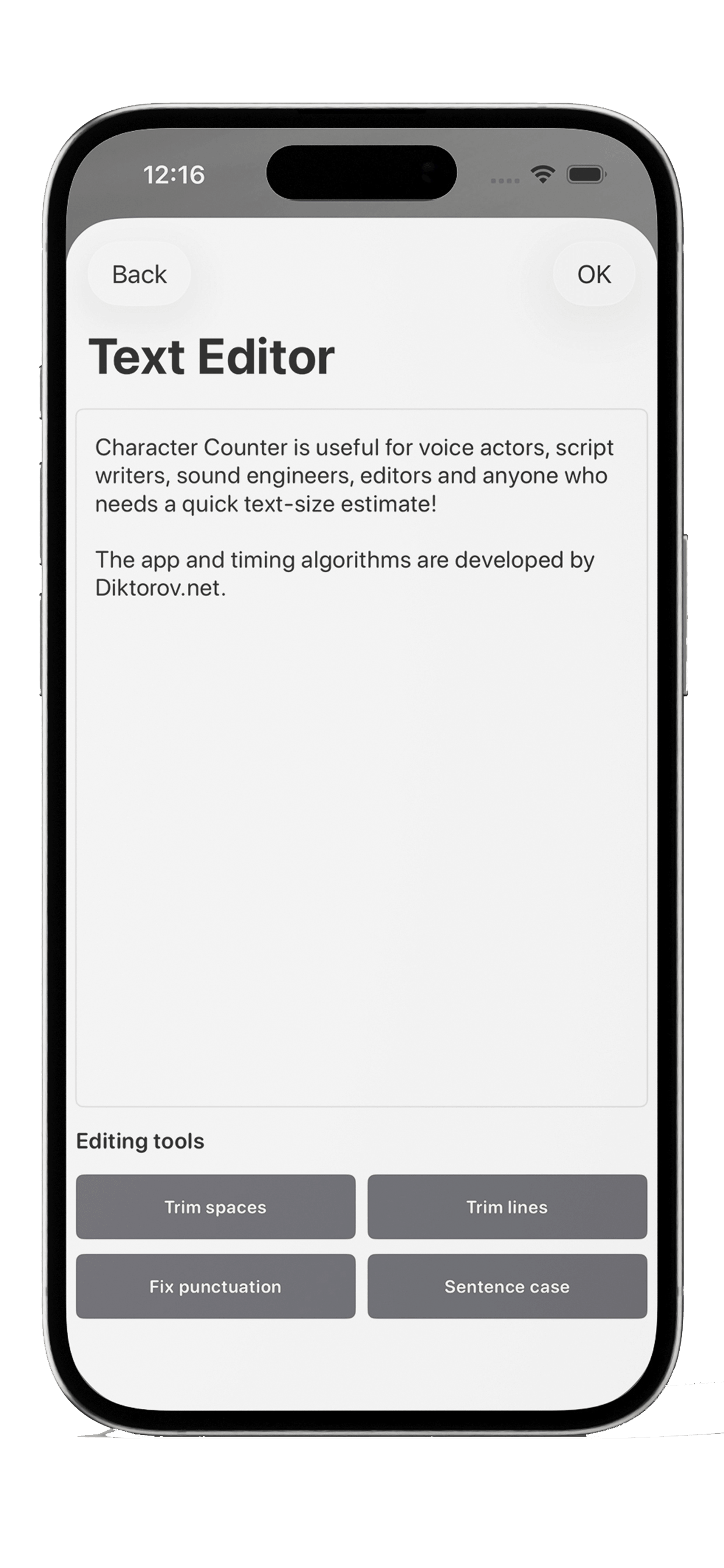
- Added a separate text editor screen for more convenient editing.
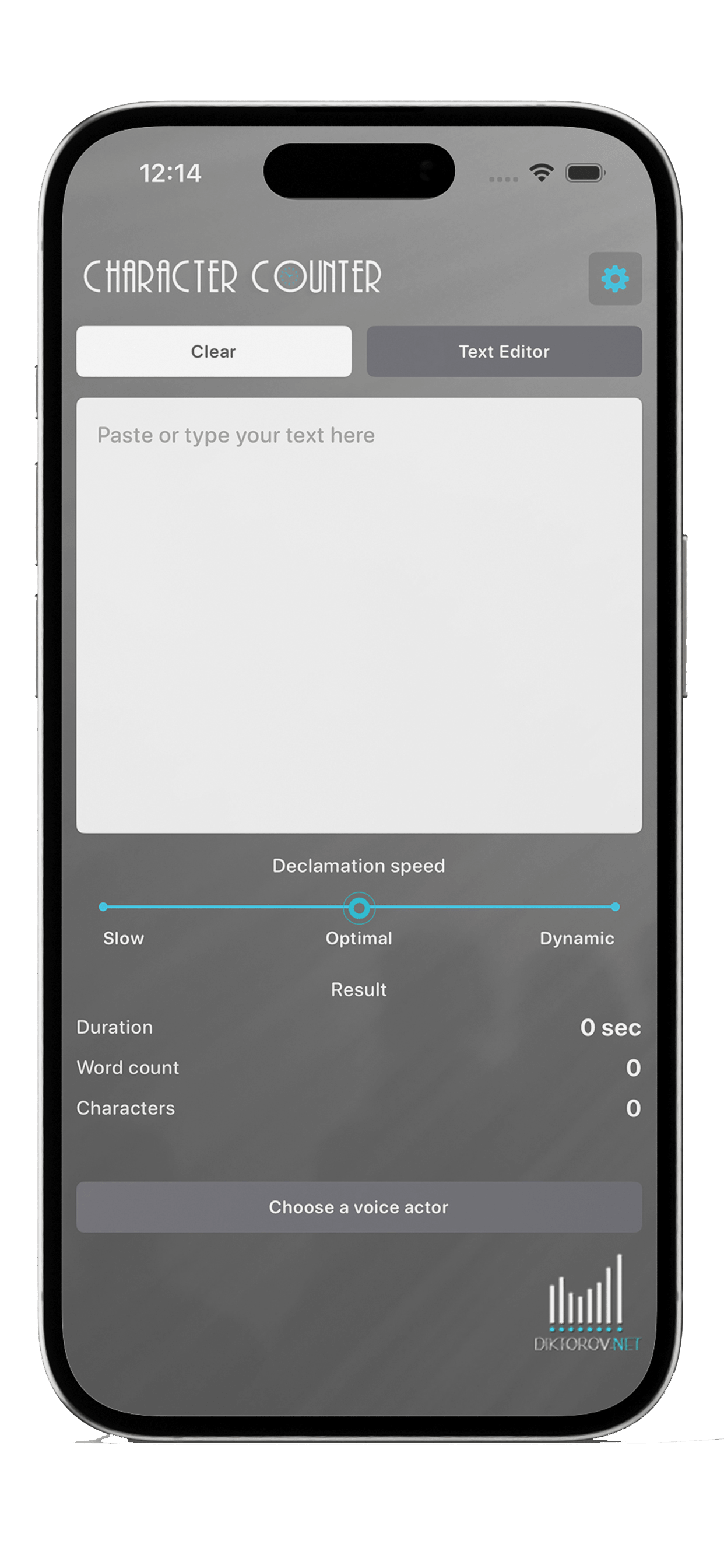
- Moved key actions to the main screen.
- Refreshed the interface and improved navigation.
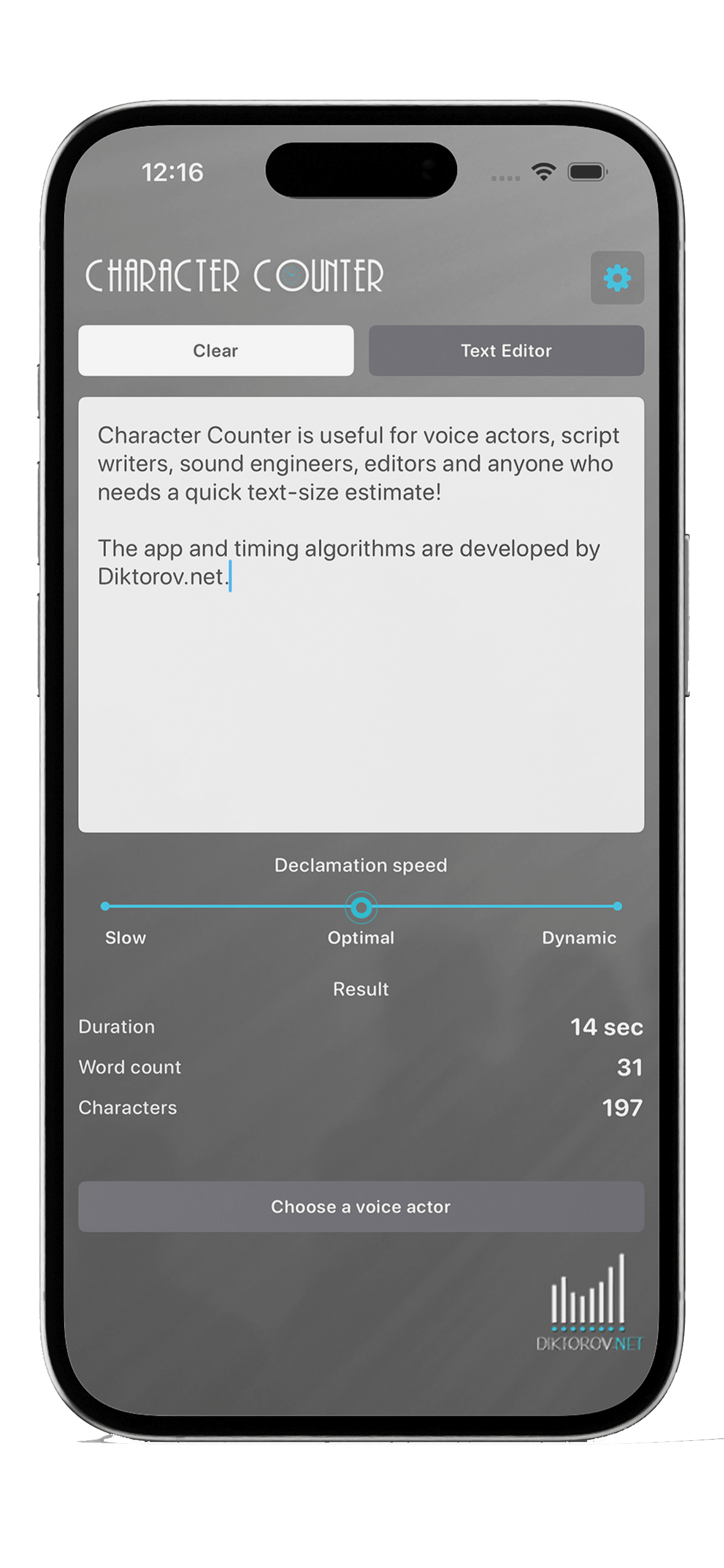
- Improved performance and live recalculation speed.
- Updated icons and visual elements.
Character Counter is a fast and simple tool for calculating text duration, word count, and character count. All key data is shown clearly and without extra steps.


What the app can do
- calculate text duration in seconds
- show word count
- count characters
- let you adjust speaking speed
- let you edit text directly in the app
- open a separate text editor screen for more comfortable editing
Who it is useful for
- voice actors
- script writers
- sound engineers
- editors
- anyone who needs a quick text-size estimate
Main workflow
The main workflow now takes only a few steps: paste your text, choose the pace, and get the result instantly.
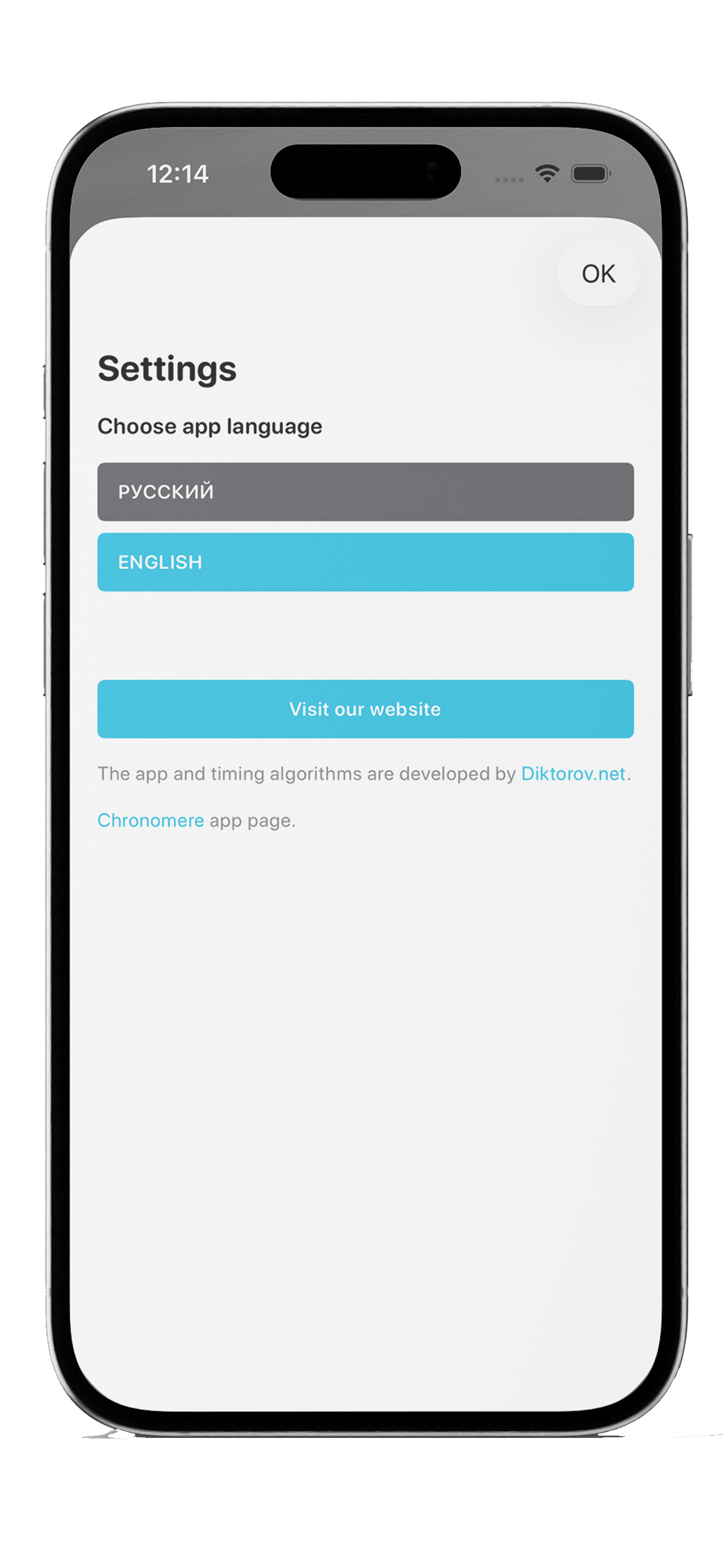
The app and timing algorithms are developed by Diktorov.net.
Learn more
Key actions on the main screen
The refreshed layout keeps pace selection, text editing, and the main results close at hand, so the core workflow feels faster and more direct.
A dedicated editor for longer scripts
The separate editor screen gives you a more comfortable place for longer texts and quick rewrites before you return to the calculation view.
Faster live recalculation
Performance has been improved across the app. Change the pace, edit the text, and your results are recalculated more smoothly and with less delay.
Updated visuals and cleaner navigation
Icons, visual accents, and movement between screens were refreshed to make the app feel simpler, cleaner, and more modern in day-to-day use.