Choose the widget style that fits your site
We provide two visual themes for the embedded chronometer widget. Both versions work the same way and use the same installation method. The only difference is the visual contrast for light or dark website backgrounds.
Light website, dark widget
This option is best for white or bright layouts. The controls stay readable even on textured backgrounds.
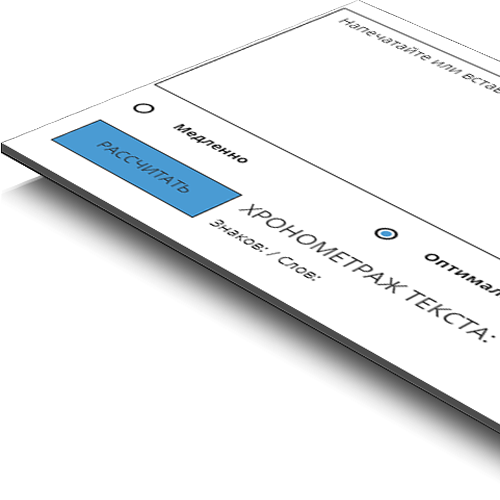
Your embed code:
<iframe src="https://diktorov.net/widget/?colour=light" width="100%" height="350" frameborder="no" scrolling="no"></iframe>
Dark website, light widget
This option is ideal for dark interfaces where bright, geometric UI elements need to stand out immediately.
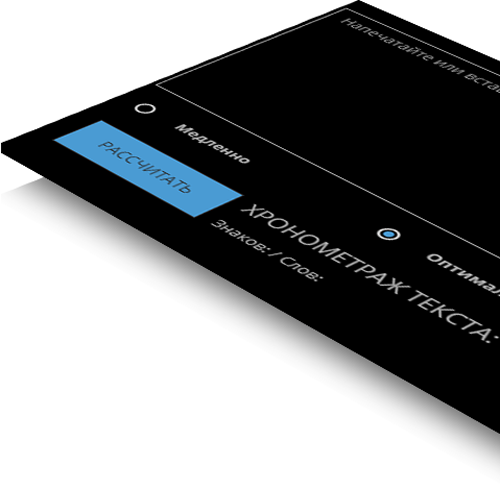
Your embed code:
<iframe src="https://diktorov.net/widget/?colour=dark" width="100%" height="350" frameborder="no" scrolling="no"></iframe>
How to install the widget
Step-by-step:
If your CMS filters iframe code, use an HTML editor mode or ask your webmaster to whitelist embeds.
Why the widget may not appear
There are usually only two reasons:
If you need help with setup, write to us at PinkGrizzlyGroup@gmail.com.
Rights and attribution
The chronometer widget and script were created by the Diktorov.Net voice-over service team. Copyright belongs to the service owners.
How does Chronometer work?